 Commuted
How it works
Two taps, and nothing asked of you.
Commuted requests no permissions at all. No location, no motion, no calendar. It knows how far you go because you told it once, and how long it took because you tapped.
-
Once
Set the route
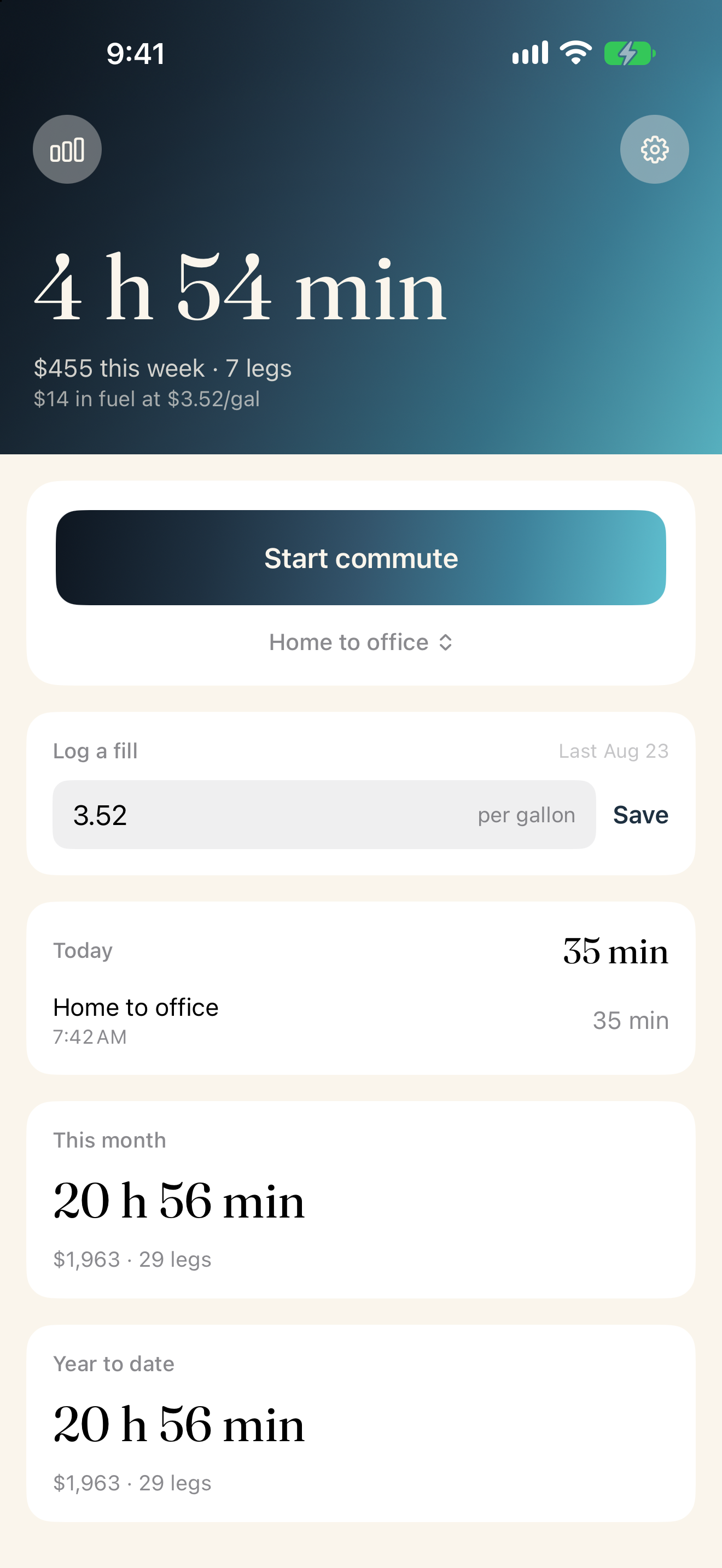
A name and a one way distance. Most people have one or two. That is the only setup Commuted needs.
-
Leaving
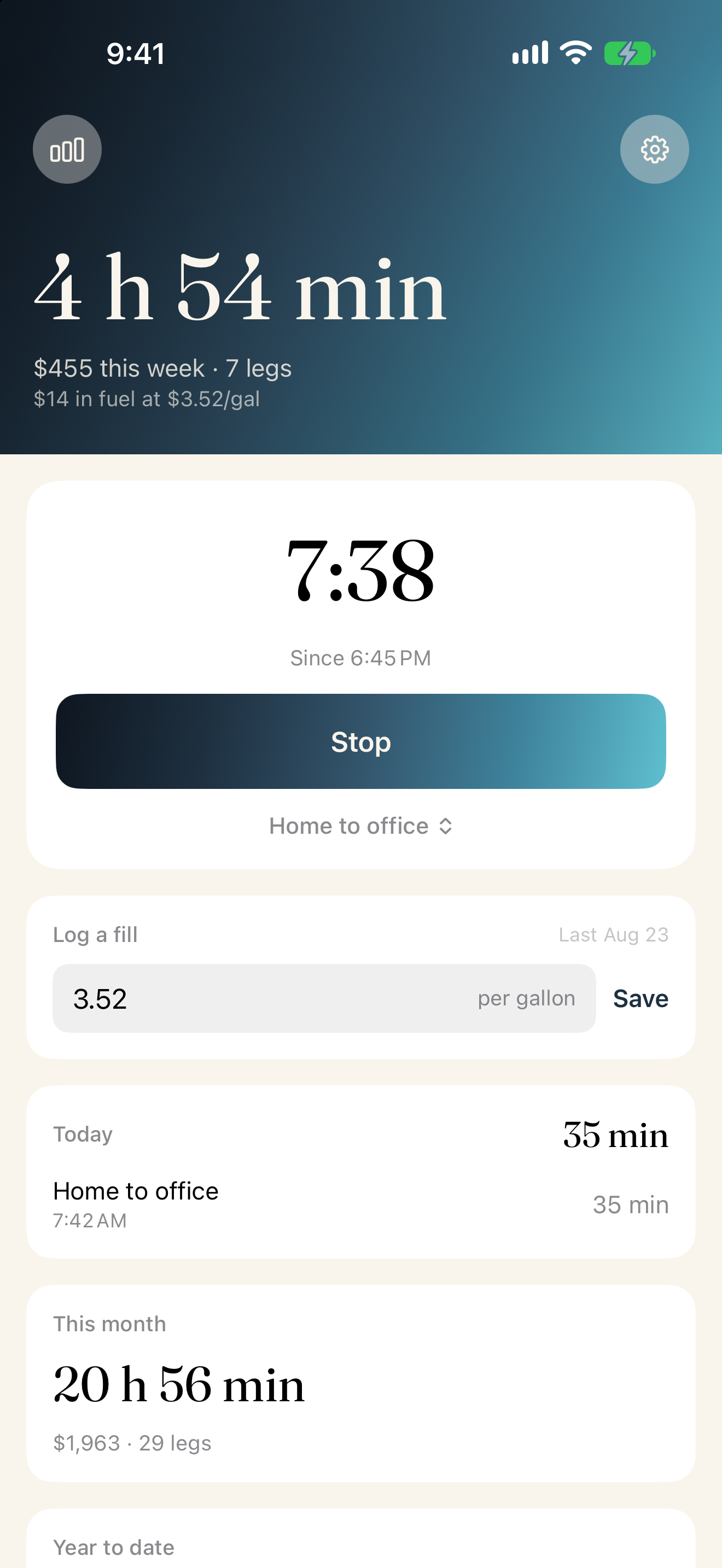
Tap start
The clock is computed from the moment you tapped rather than kept alive in the background, so a force quit or a flat battery loses nothing.
-
Arriving
Tap stop
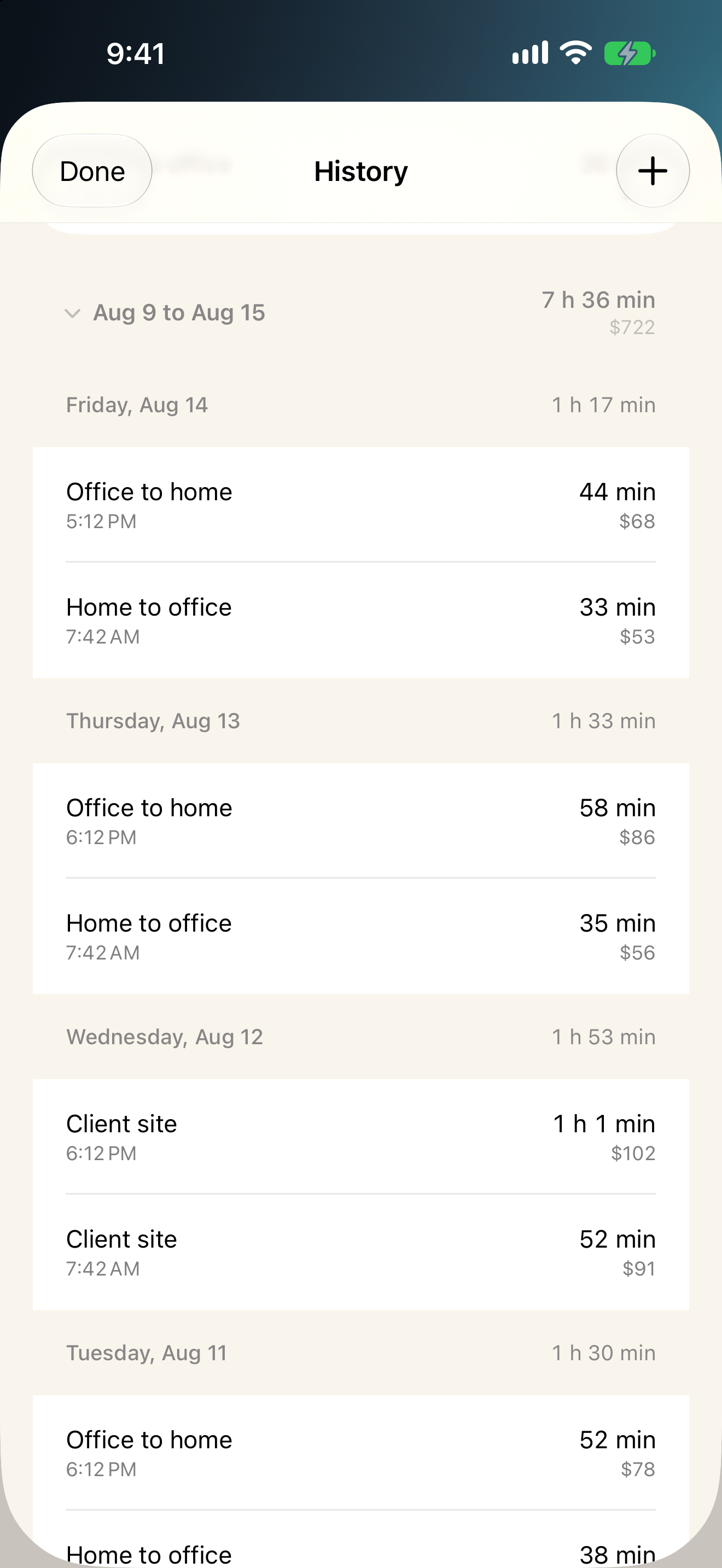
The leg is recorded and the week updates. Forget to tap and you can add it afterwards, which is the honest way to handle a mechanic built on remembering.
The number
Fuel is about a fifth of what a car costs.
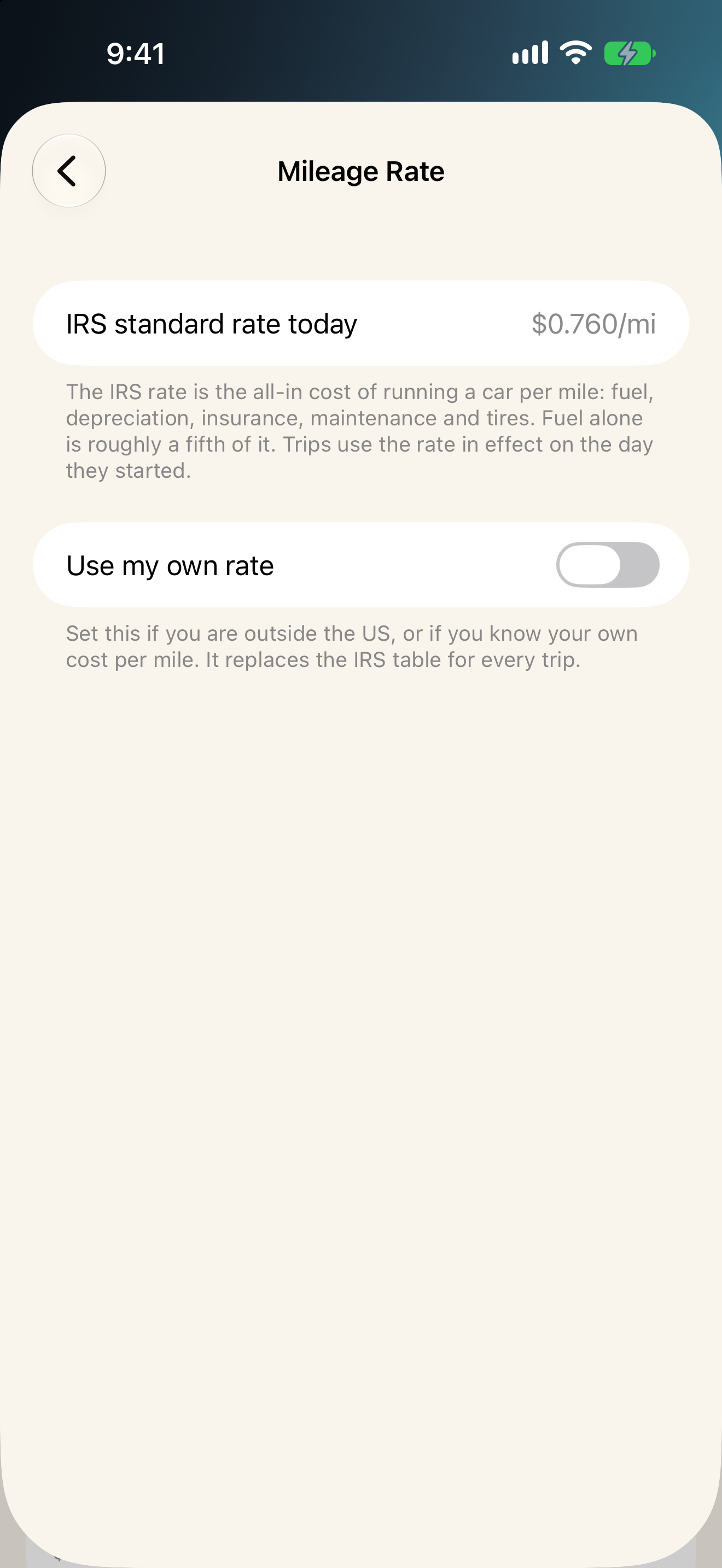
Most commute apps show you fuel and stop there, which quietly understates the trip by a factor of five. Commuted uses the IRS standard mileage rate, the all in figure that covers fuel, depreciation, insurance, maintenance and tires.
Set your own rate instead if you are outside the US or you know your own cost per mile. Your time is priced from your salary, adjustable, or left out entirely.
The app
Built for one job, and finished.
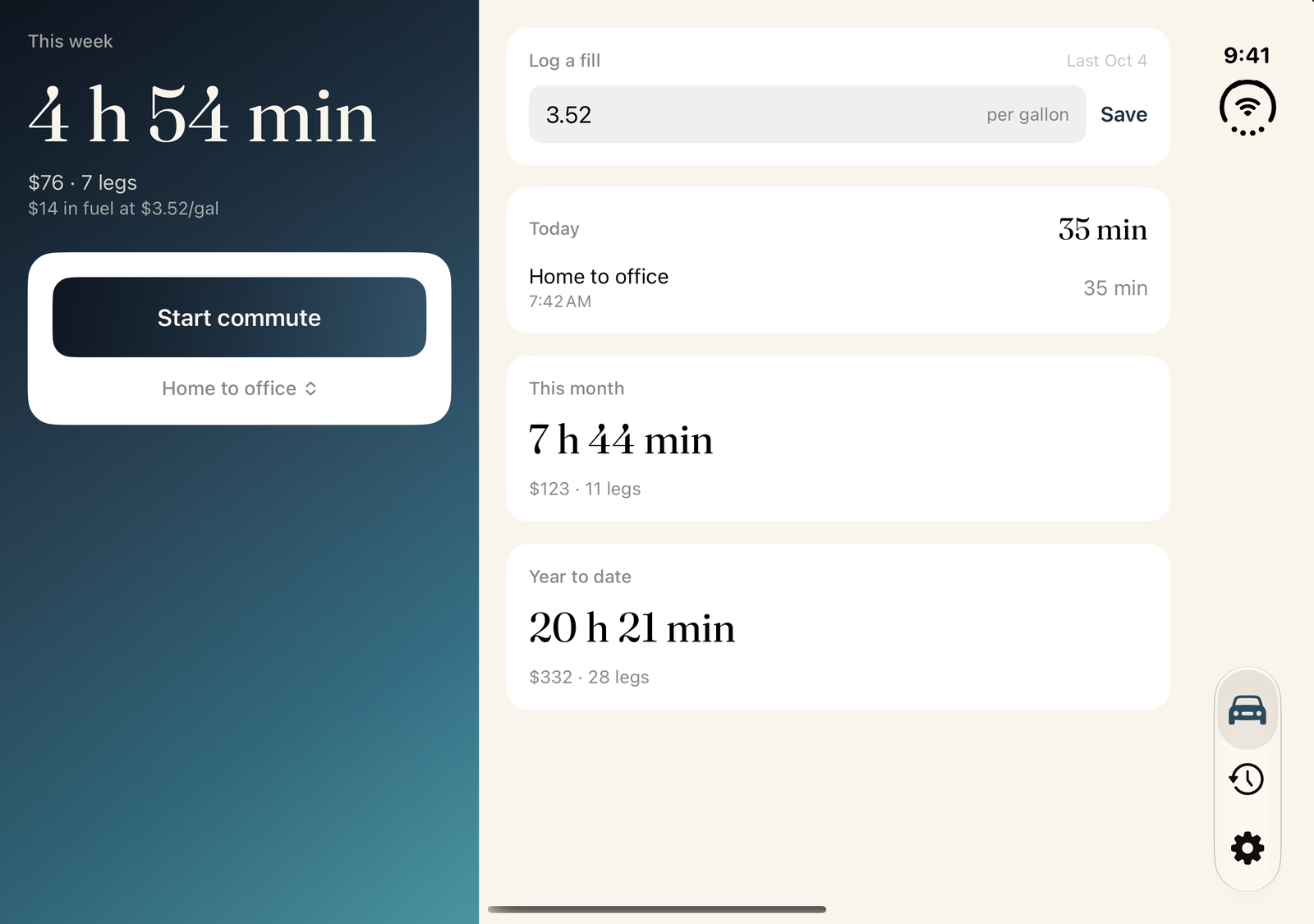
What it refuses to do
A record, not a program.
Every tracker eventually grows a scoreboard. Commuted will not, and these exclusions are permanent.
- Streaks or scores
- Goals to beat
- Coaching or AI insights
- Telling you to move closer to work
- Nagging notifications
- Leaderboards
- Trends telling you what you are
- A subscription
What your commute costs is mostly not yours to change. Commuted states the number and leaves you alone with it.
Nothing leaves your phone.
No accounts, no servers, no analytics, and no network requests of any kind. There is no location entitlement in the app at all, so there is nothing to grant and nothing to revoke. Export your record as JSON whenever you want, and delete all of it from Settings.